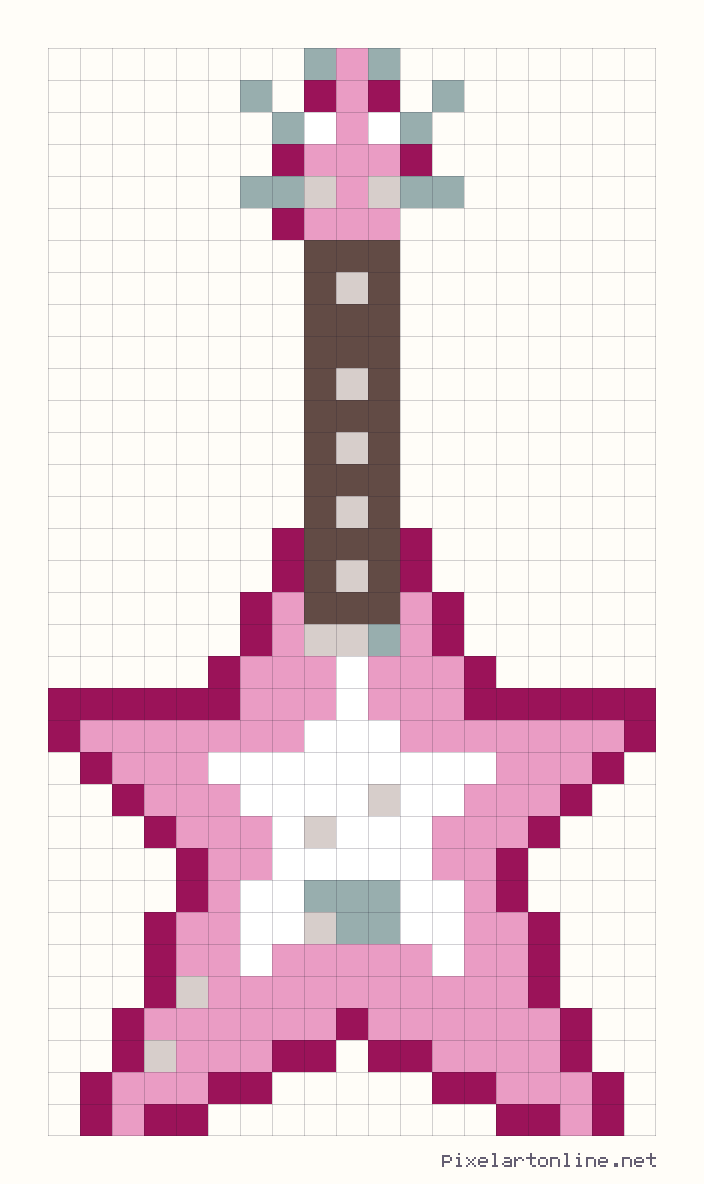
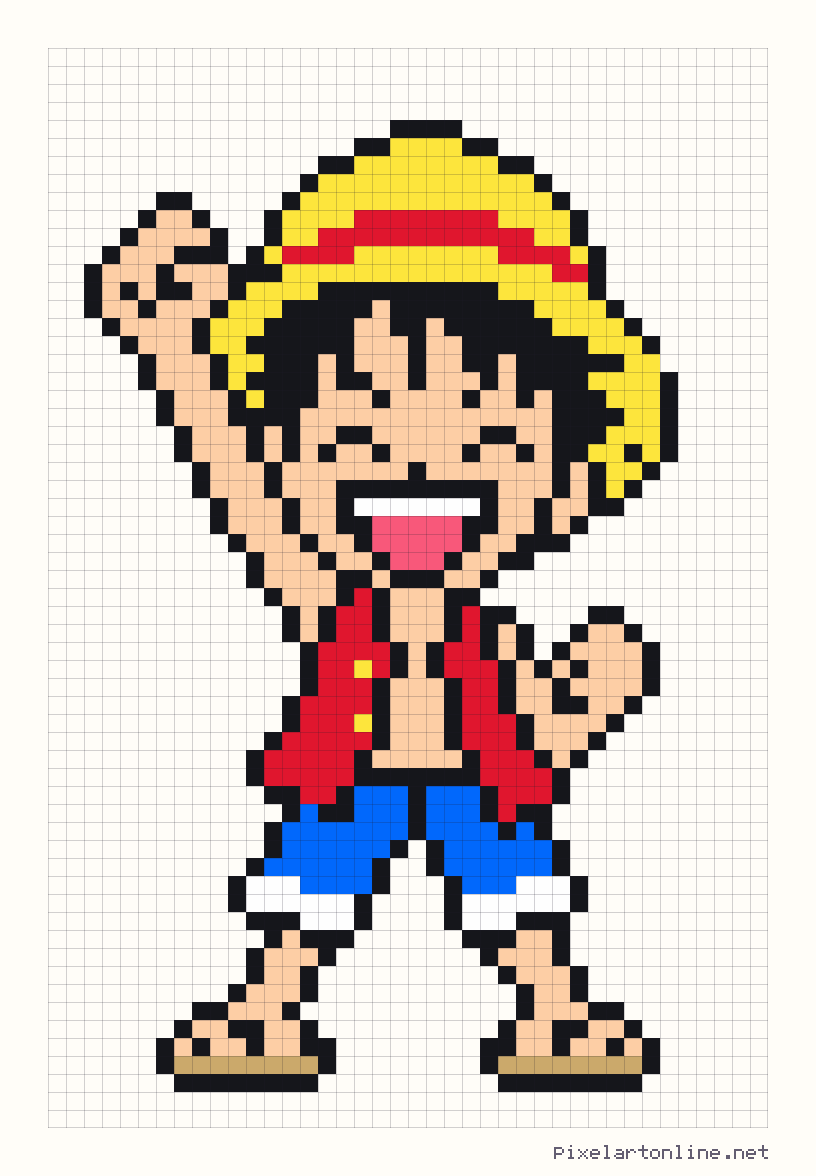
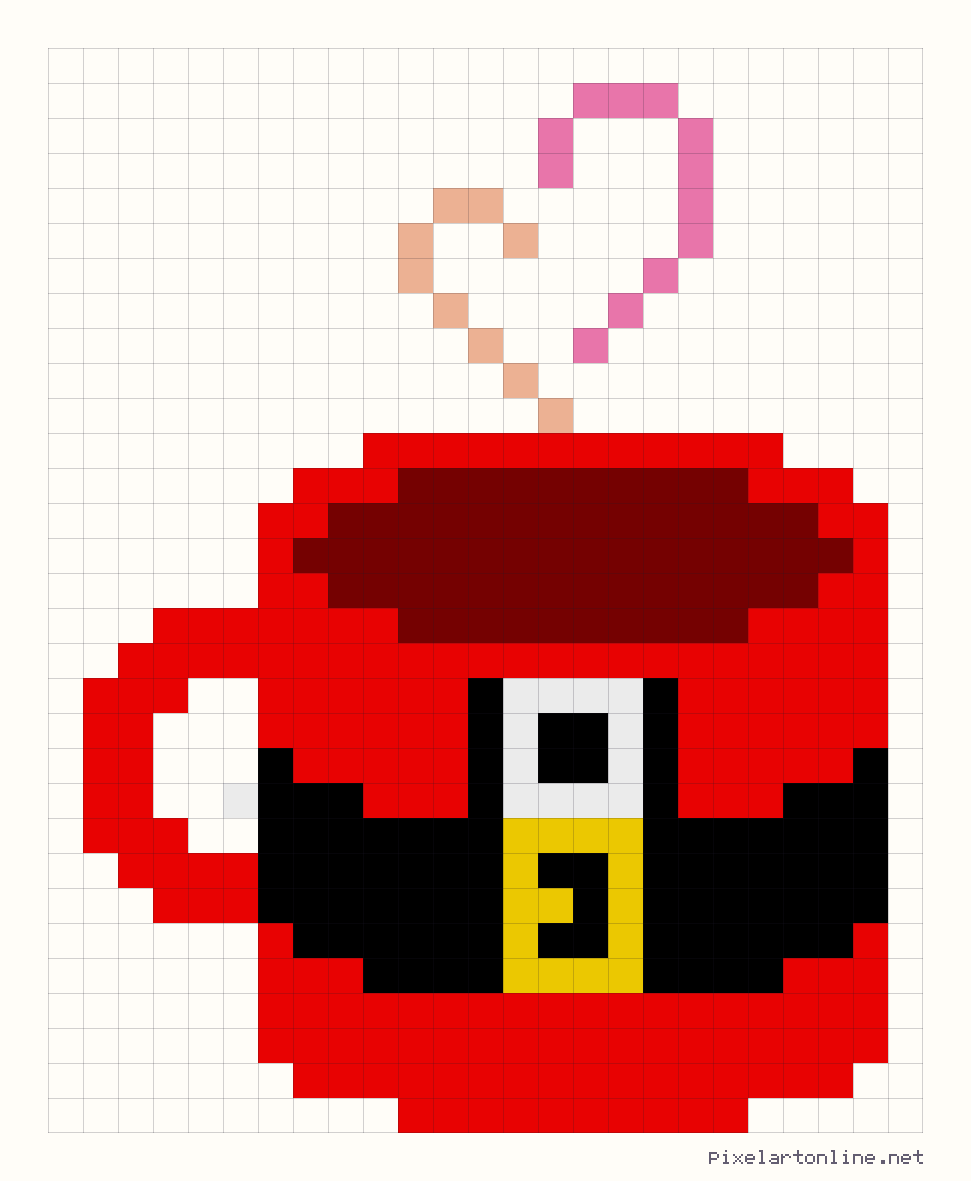
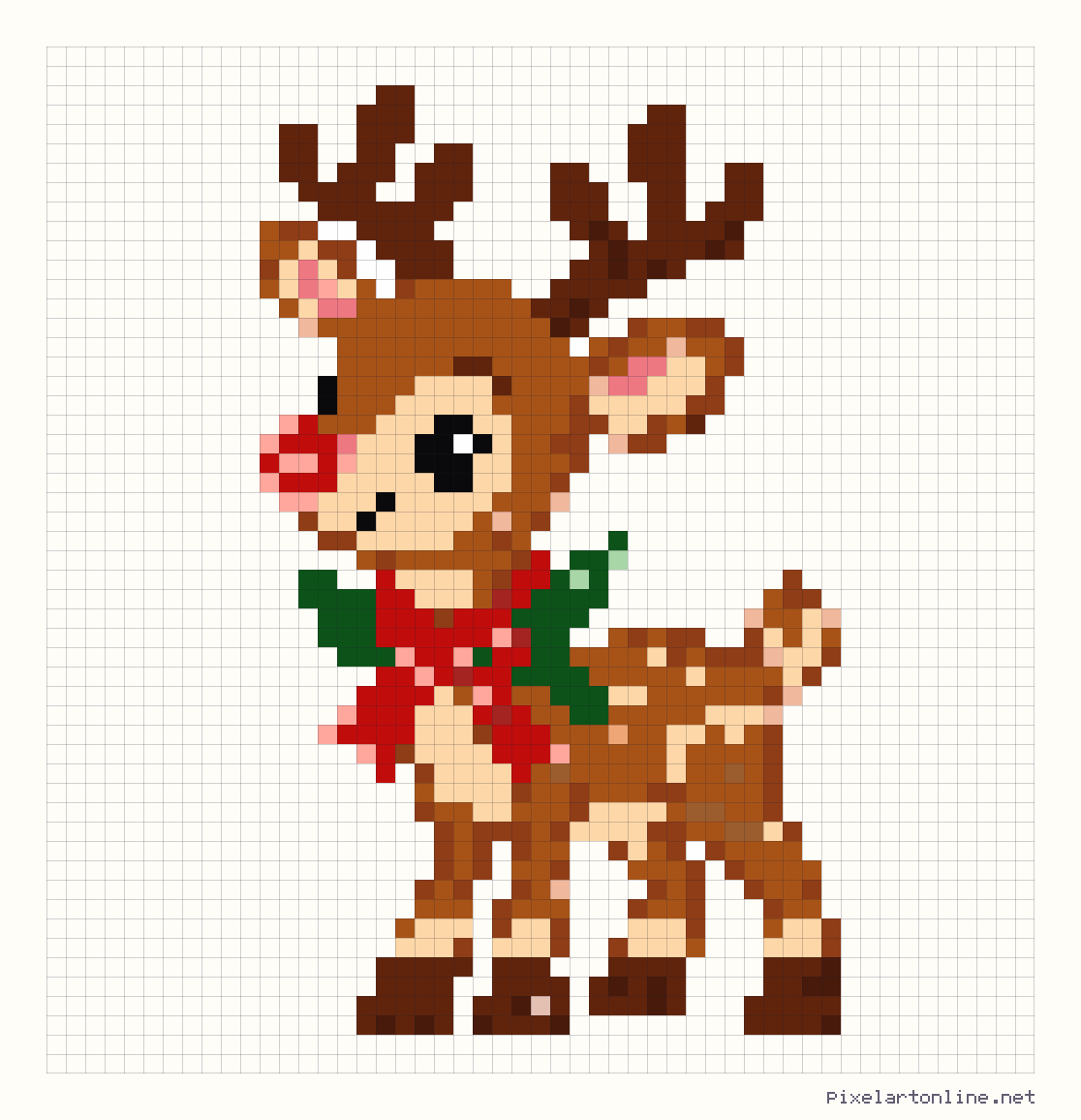
How to use a gallery pattern
Every pattern here was drawn by hand on a grid and checked square by square before it was published. Open one to see it large, then choose what you want to make with it:
- A picture for a screen. Download a PNG at the size you need, from the true size (one pixel per square) up to large previews where each square is a crisp block.
- A craft project. Print the numbered chart for cross stitch, fuse beads, diamond painting, crochet or mosaic. The colour list tells you exactly how many stitches or beads each colour needs.
- Your own version. Open the pattern in the editor to change colours, add details or resize it, then save or print your version.
What each pattern page shows
- The grid size, for example 32 x 32 squares, and how many squares are filled.
- Every colour with its symbol and the number of squares that use it, largest first.
- A printable PDF chart with numbered rows and columns, optional counting lines and a colour key, or a white colouring sheet to fill yourself.
- A Download files menu with PNG and PDF choices. The image download preview shows the grid and background you choose.
Choosing a pattern for your material
One square is one stitch, bead or drill, so the finished size depends on what you make it with. A 30 x 30 pattern is about 5.4 cm wide on 14-count Aida, 15 cm with 5 mm fuse beads and 7.5 cm as a diamond painting. The table on the converter page lists more sizes, and the guides walk through each craft step by step.
Using the patterns
You can make gallery patterns for yourself or as gifts, and you can sell finished items you have made from them, such as a stitched picture or a bead design. Please do not sell or share the pattern files or charts themselves. The full rules are in the Terms of Use.
Not finding what you want?
Turn your own photo into a pattern with the converter, or draw one from scratch in the editor. Both give you the same colour counts and printable chart as the gallery patterns.