How to make a pixel art phone wallpaper from a photo
Updated 17 November 2026
A pixel art wallpaper looks sharp on any phone because every block is a perfect square of colour. In this guide we turn a wide landscape picture into a 1080 x 1920 phone wallpaper, choose which part of the picture to keep, and pick how chunky the pixels should be.
1. Add your picture
Open the converter and add a picture. Landscapes, skylines and sunsets make good wallpapers because they have big shapes and smooth colour changes. Our example is a wide mountain lake at dusk.
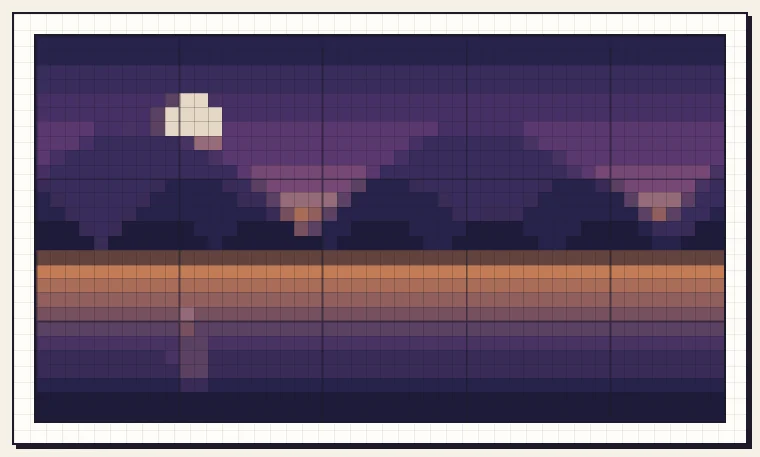
2. Choose Screen and your phone's size
Under Size, choose Screen, then pick Phone wallpaper (1080 x 1920). That size suits most phones. If yours is different, choose Custom size and type the width and height of your screen in pixels.
Our picture is wide and the phone screen is tall, so the converter shows a yellow box: the shapes do not match. You can Crop to fill the screen, or Fit, add border to keep the whole picture and fill the rest with a colour you choose.
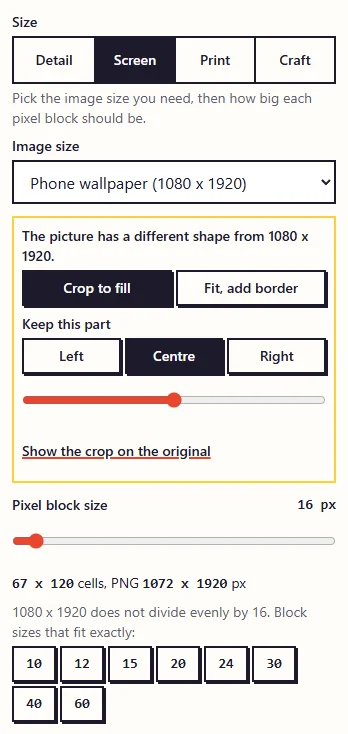
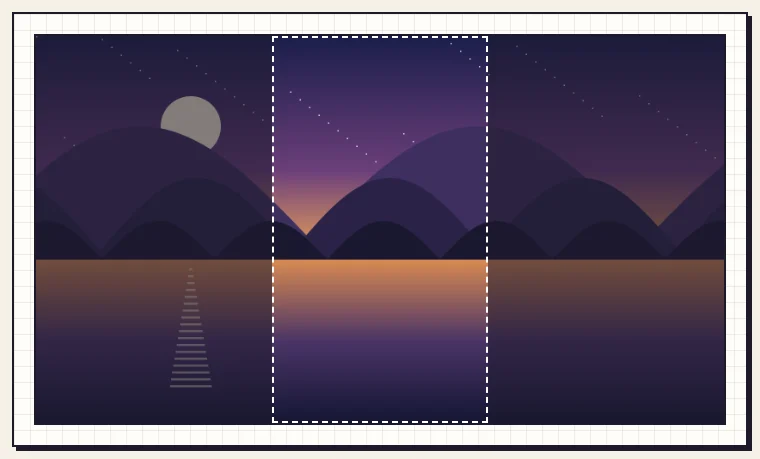
3. Choose the part to keep
Click Show the crop on the original to see what will be kept. The bright area inside the dashed frame is your wallpaper; the dark area is cut away. In the centre, our crop missed the moon completely.
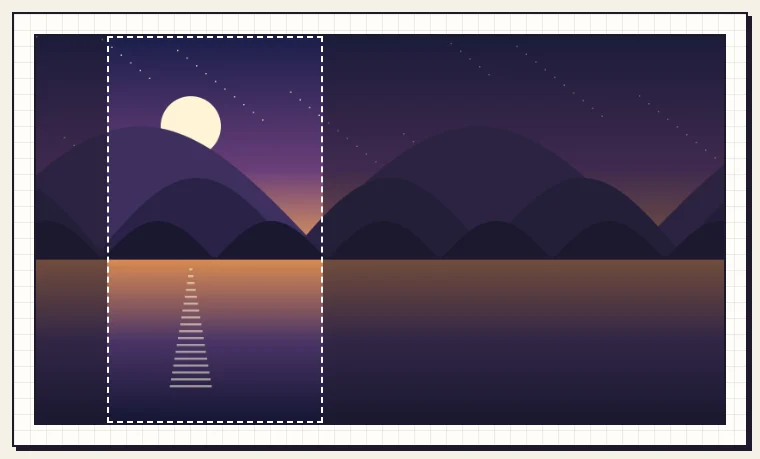
Under Keep this part, click Left, then nudge the slider until the moon and its reflection sit inside the frame.
Untick Show original to go back to the pixel view. Untick Grid lines too: the grid only helps when you count squares, and it is never added to a wallpaper you download.
4. Pick the pixel size
Pixel block size sets how big each square is on your screen. Small blocks keep more detail; big blocks give a bolder, more retro look. Here are the two ends of the scale on the same picture:
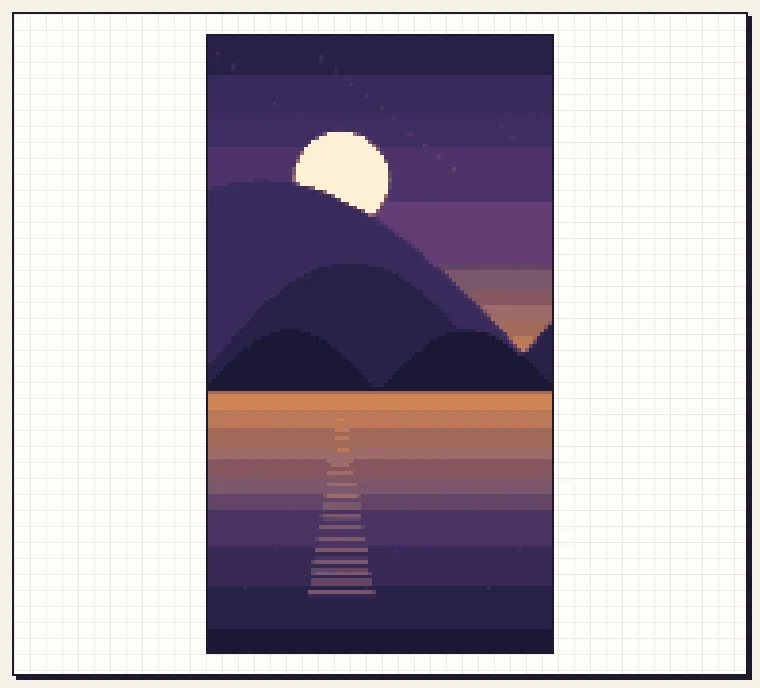
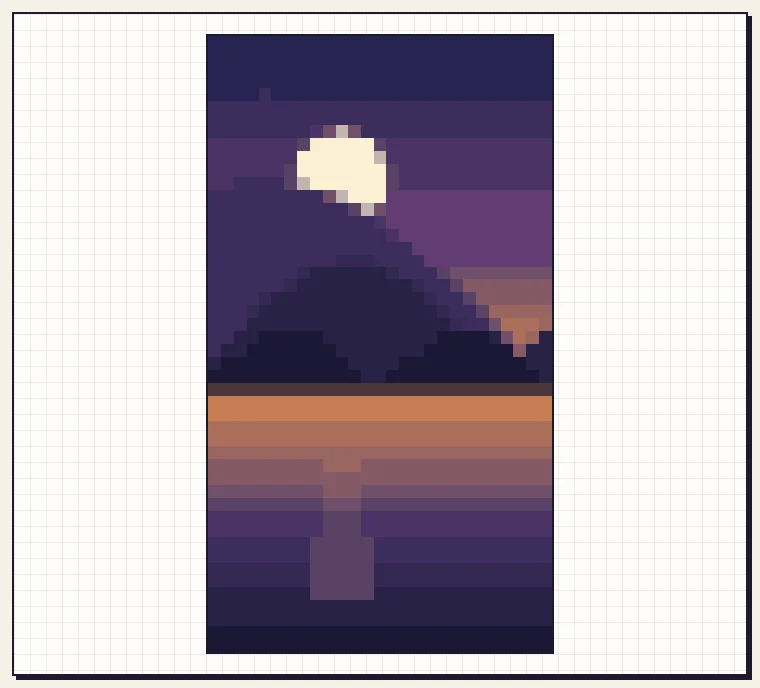
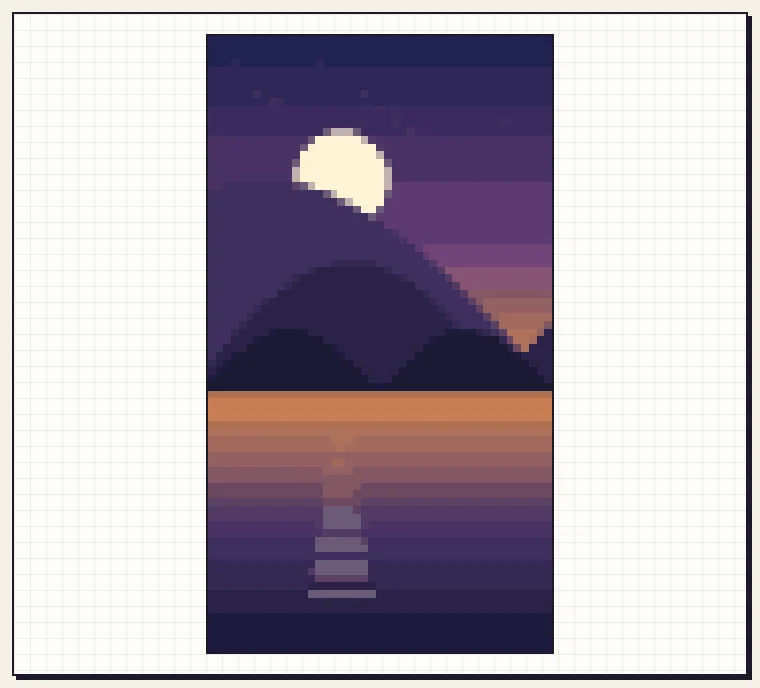
If the block size does not divide your screen size evenly, the converter tells you and suggests sizes that do. At 16 px the wallpaper would come out 1072 x 1920, 8 pixels short. Sizes such as 10, 12, 15, 20, 24, 30, 40 and 60 fit 1080 x 1920 exactly. We settled on 24 px, which gives 45 x 80 squares.
5. Choose the colours
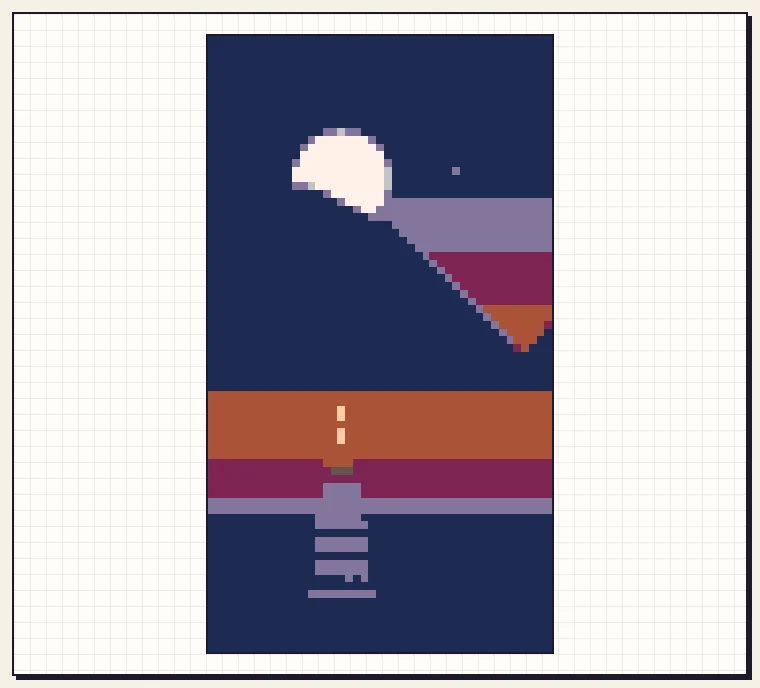
Free colour picks the colours that suit your picture. A retro palette such as PICO-8 gives a strong game look, but watch what it does to your picture: with only 16 fixed colours, our mountains merged into the night sky.
We went back to Free colour with 24 colours. Dusk skies have many close shades, so a few more colours keep the bands smooth.
6. Download and set it as your wallpaper
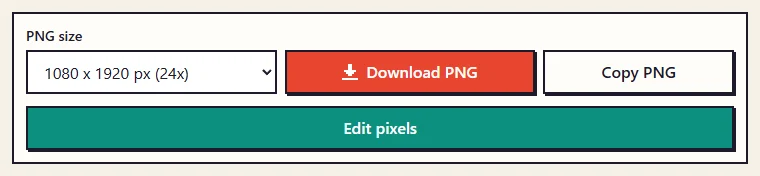
Below the preview, the PNG size is already set to match your screen: 1080 x 1920 px. Click Download PNG, or Copy PNG to paste it straight into another app.
- On iPhone: save the image to Photos, open it, tap Share, then Use as Wallpaper.
- On Android: open the image in your gallery app, tap the menu, then Set as wallpaper. Menu names vary a little between phone makers.
- If the phone zooms the picture, turn off perspective or motion effects in the wallpaper settings so the pixels stay crisp.
Tips
- Leave space at the top for the clock. Pictures with plain sky at the top work well on lock screens.
- For a desktop, choose Desktop wallpaper (1920 x 1080). Wide landscapes then fit without cropping.
- Want to add a star or your initials? Click Edit pixels to touch it up in the editor, then download from there.
Ready to try it with your own picture?
Open the converter