How to submit your pixel art to the gallery
Updated 17 November 2026
Made something you are proud of in the pixel editor? You can send it to the pattern gallery, where other people can download it, print it as a chart or stitch it. This guide shows how to submit a drawing, what we check before it goes live, and what gets turned down.
1. Finish your drawing in the editor
Submissions come from the editor, so draw your picture there, or convert a picture and click Edit pixels to open it in the editor. Our example is the green slime from the 16 x 16 sprite guide.
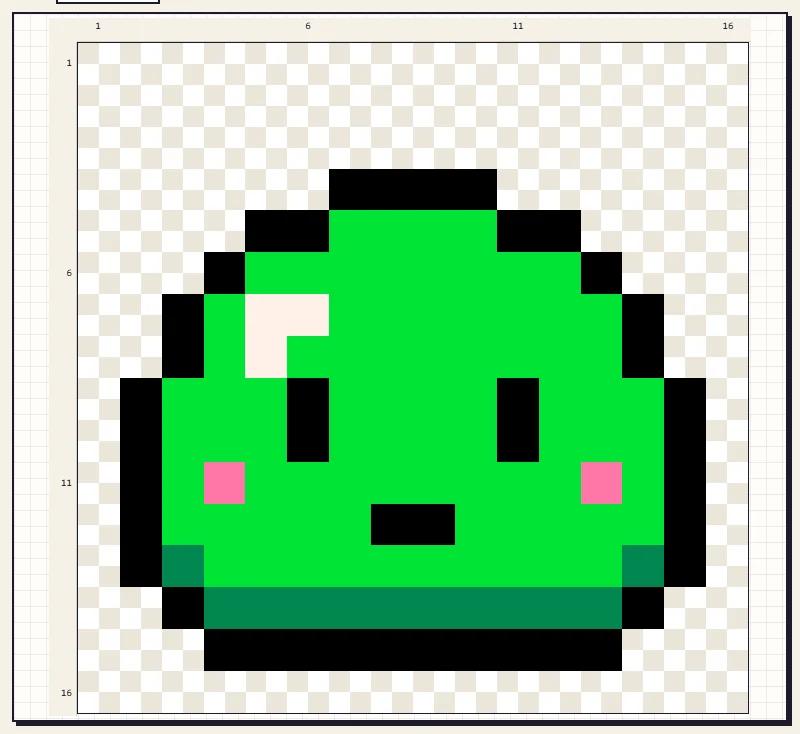
A drawing needs to be at least 8 x 8 squares, with at least 20 filled squares and 2 colours. Tiny scribbles and single colours cannot be submitted.
2. Click Submit to gallery
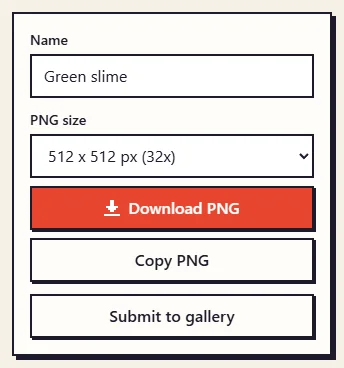
Under the canvas, in the box with your drawing's name and the PNG download, click Submit to gallery.
3. Fill in the form
A window opens with a small preview of your drawing, its size and number of colours, so you can check you are sending the right one. Close it with the X or the Escape key if you change your mind.
- Title. Say what it is in a few words, such as "Green slime" or "Sunflower in a pot".
- Description. Optional, but it helps people decide. Mention the size, the palette, and what it would suit: a game sprite, a bookmark in cross stitch, a fridge magnet in beads.
- Your name. Optional. If you fill it in, it appears on the pattern page as "Submitted by" and your name. Leave it empty and the page says "Submitted by a visitor".
- The confirmation box. Tick it to confirm you drew this yourself and that it is not a character, logo or picture that belongs to someone else.
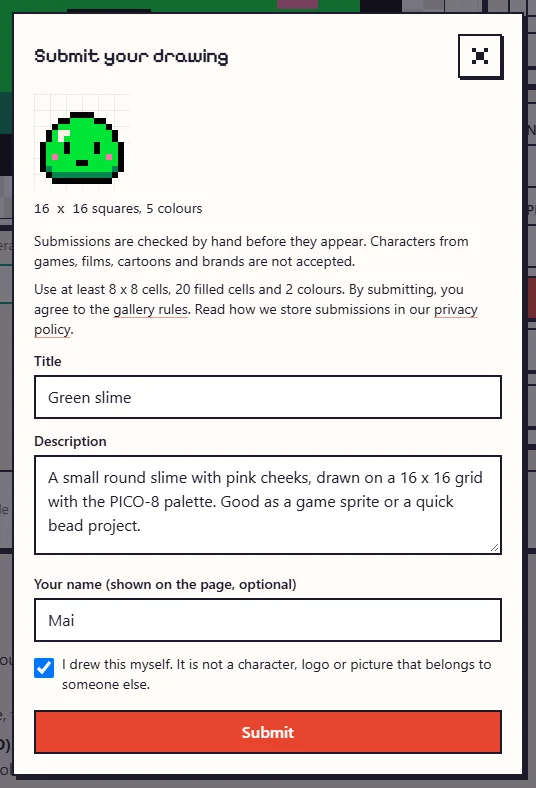
Links are not allowed in the title or description, so leave out web addresses.
4. Send it
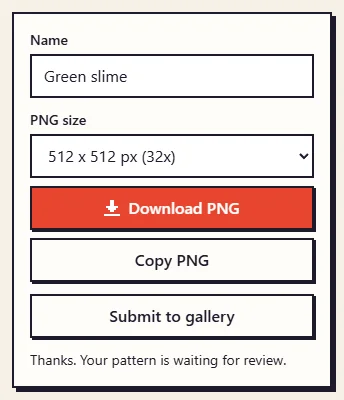
Click Submit. You will see a short message that your pattern is waiting for review, and the form closes. Your drawing stays in the editor, so you can keep working on it or download it.
5. A person checks every submission
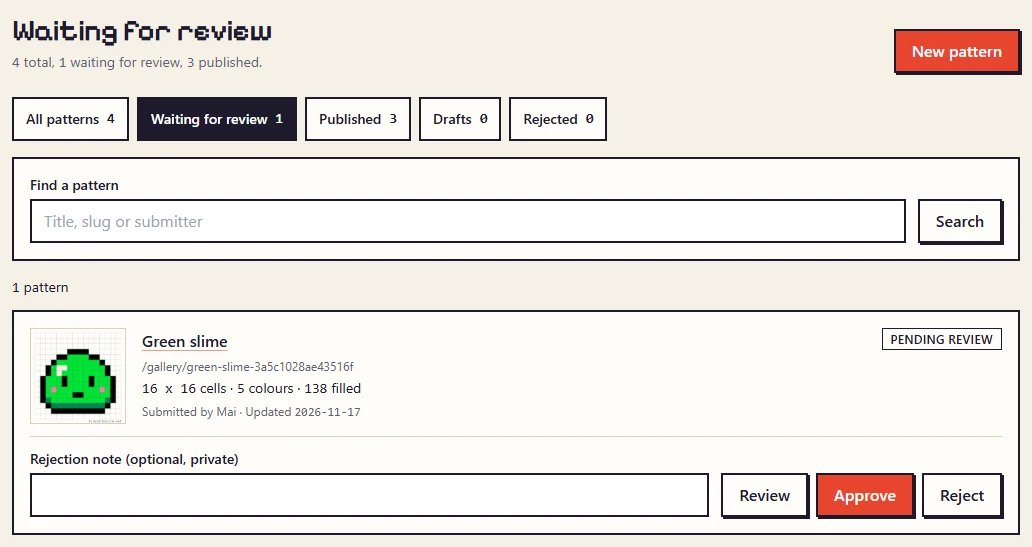
Nothing appears in the gallery straight away. Each submission goes into a review queue, and a person looks at it before it is published or declined. This keeps the gallery free of spam and of pictures that belong to someone else.
6. Your pattern in the gallery
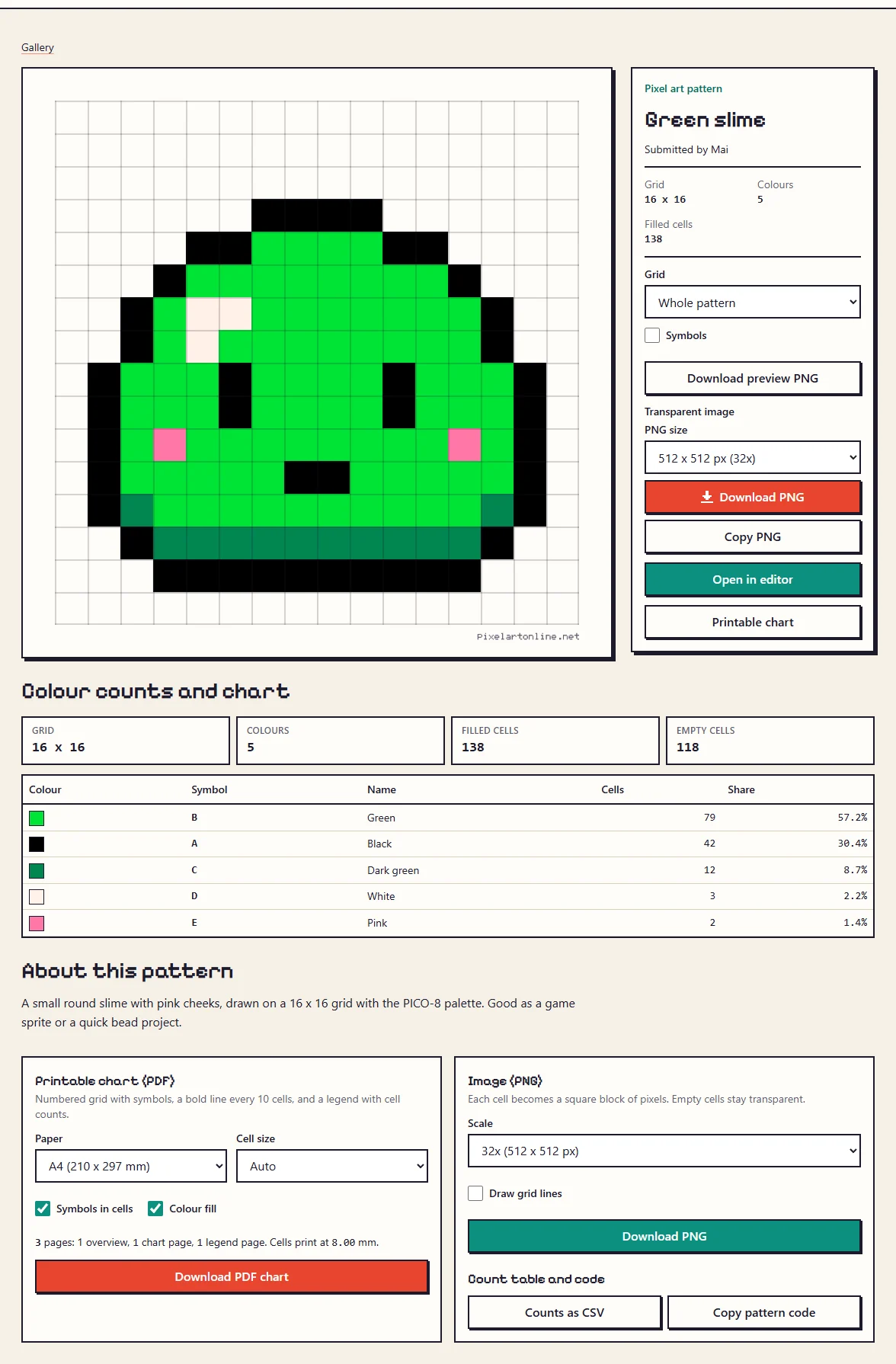
Once approved, your drawing gets its own page with your title, description and name, the colour counts, a printable chart and the PNG downloads.
What we accept and what we turn down
We are happy to publish:
- Original characters, animals, plants, food, objects, landscapes and patterns you drew yourself.
- Pixel art made from your own photos, for example your pet or your garden.
- Designs made for crafts: bookmarks, coasters, borders, alphabets and small motifs.
We decline:
- Characters from games, films, cartoons, anime and books, even when redrawn in your own style.
- Logos, brand names, team badges and mascots.
- Pictures copied or converted from other people's art or photos, and photos of other people.
- Anything offensive, and drawings that are mostly empty or mostly one colour.
Many fan art pieces are lovely, but we cannot give other people permission to use characters we do not own. That is why they are turned down here, however well they are drawn.
Common questions
How many drawings can I send?
Up to 5 in any 24 hours. If the review queue is very full, the form may ask you to try again later.
Will I hear back?
There are no accounts, so we cannot send you a message. Check the gallery after a few days; approved patterns appear there.
Can I change or remove my pattern later?
Email hello@pixelartonline.net with the pattern's address and what you would like changed or removed.
What can other people do with it?
The same as with any gallery pattern: make it for themselves, give it as a gift and sell things they have made from it, but not sell or share the pattern files themselves. The details are in the Terms of Use.
Ready to try it with your own picture?
Open the editor